
Protocol Unlock
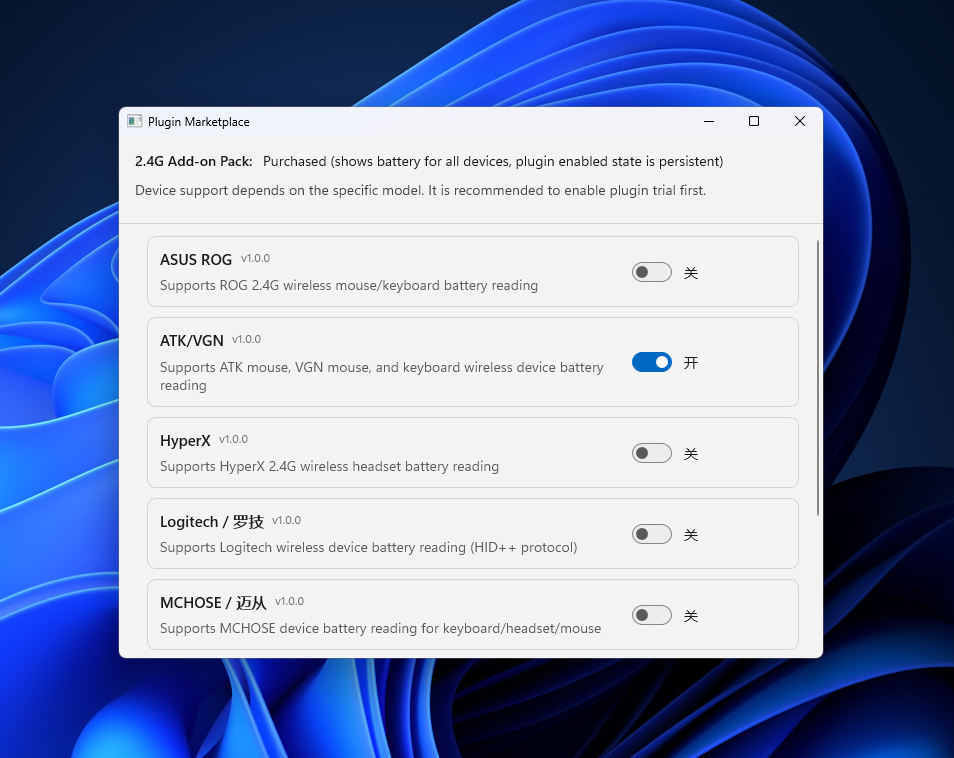
Exclusive 2.4G support for Logitech, Razer, VGN, ATK, Mchose, etc..Ongoing support expansion.
Built for gamers, RTSS, and Xbox Game Bar
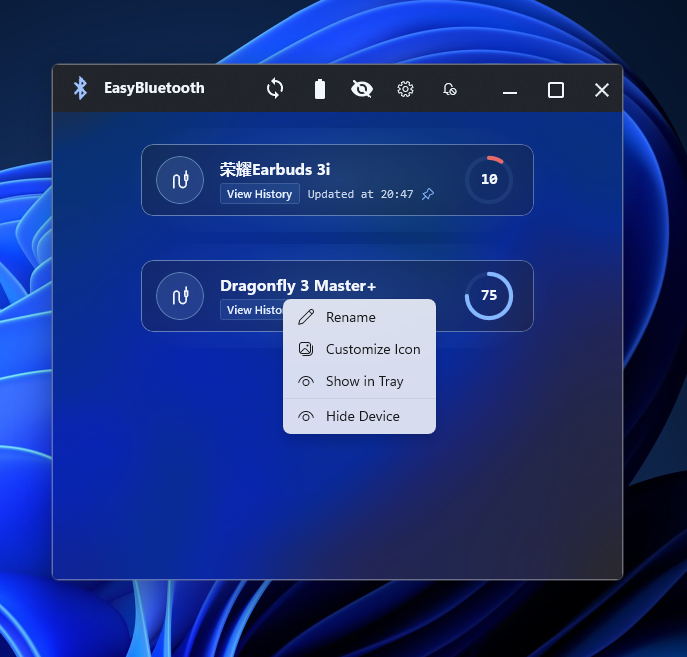
The all-in-one battery monitor for Bluetooth & 2.4G devices. Supports Xbox, AirPods, Logitech, Razer, VGN, ATK, and external display workflows like RTSS, AIDA64, and Game Bar.
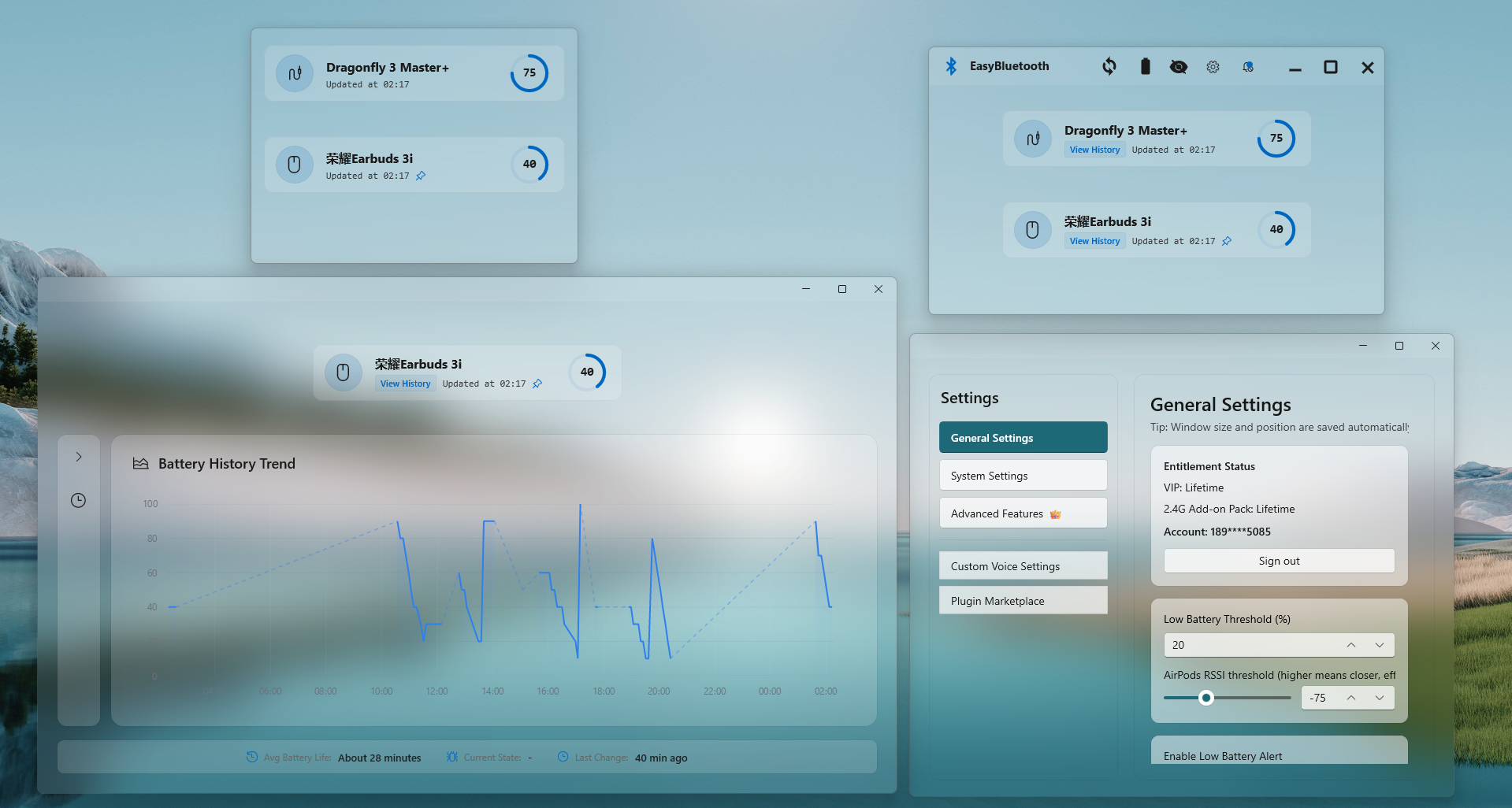
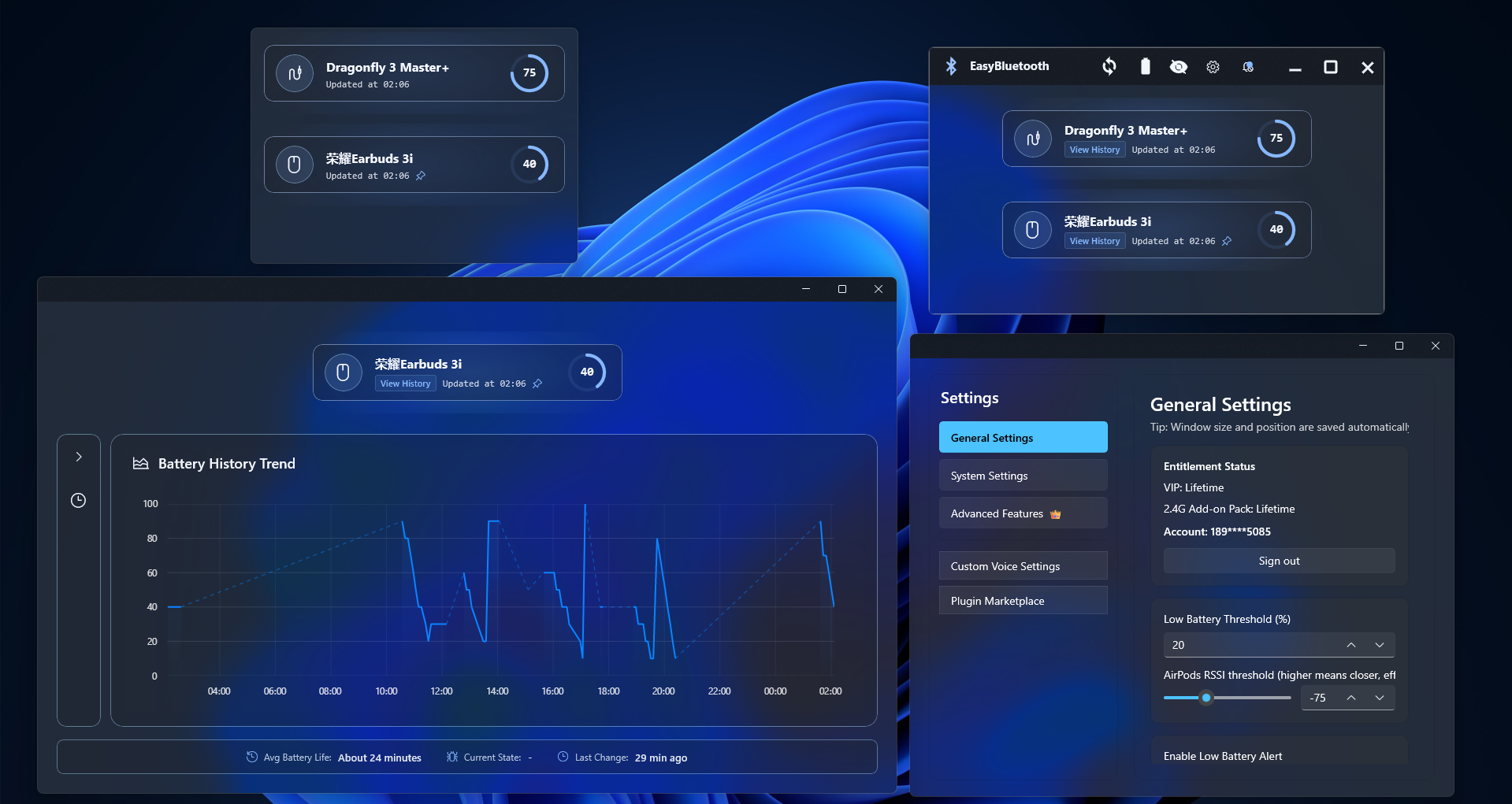
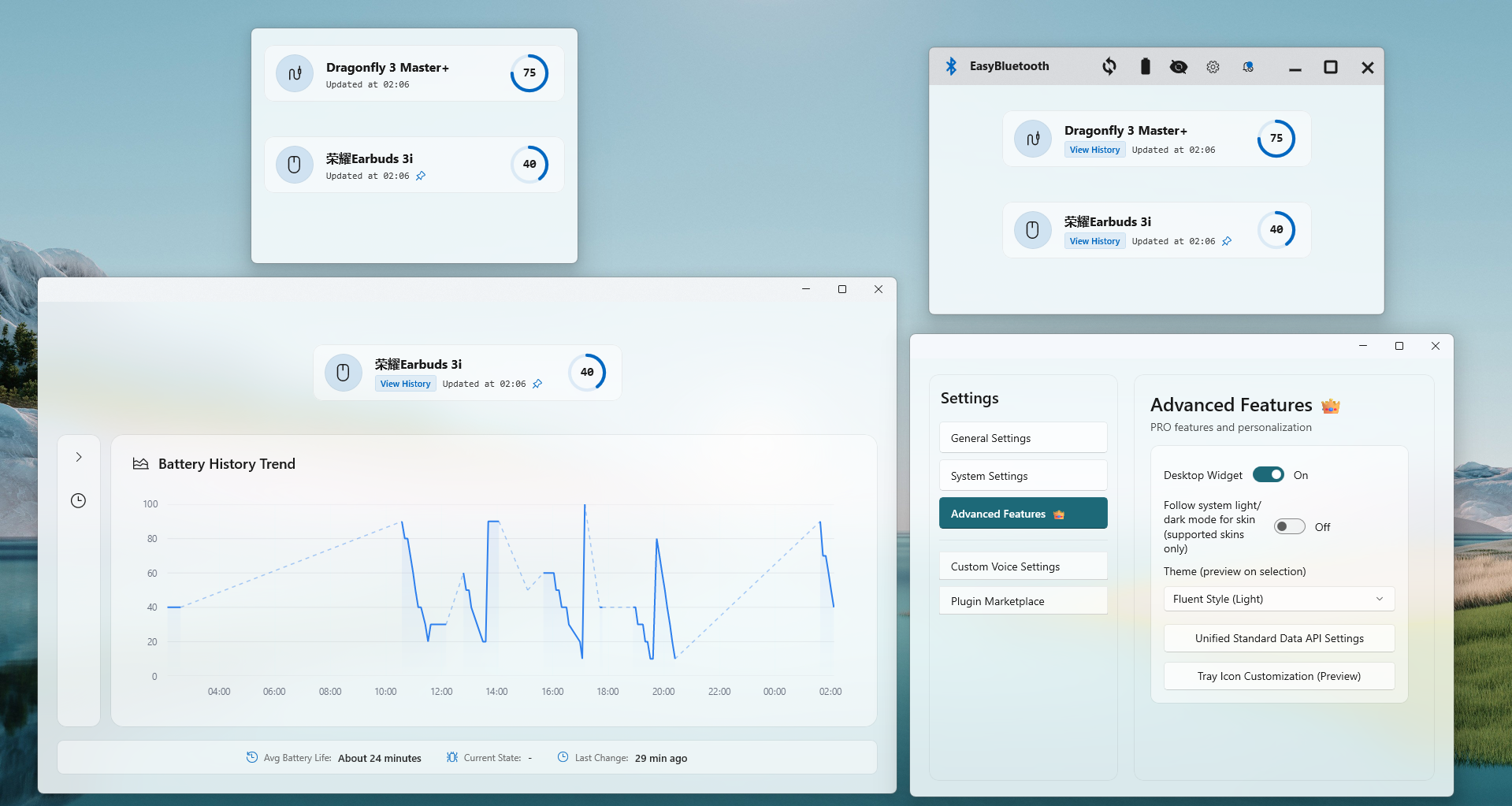
Designed to keep your setup clean, fast, and always in control.
Exclusive 2.4G support for Logitech, Razer, VGN, ATK, Mchose, etc..Ongoing support expansion.
A low-overhead unified management solution replacing multiple device drivers.
Seamlessly integrates with Windows 11 design language.
Game & External Display Integrations
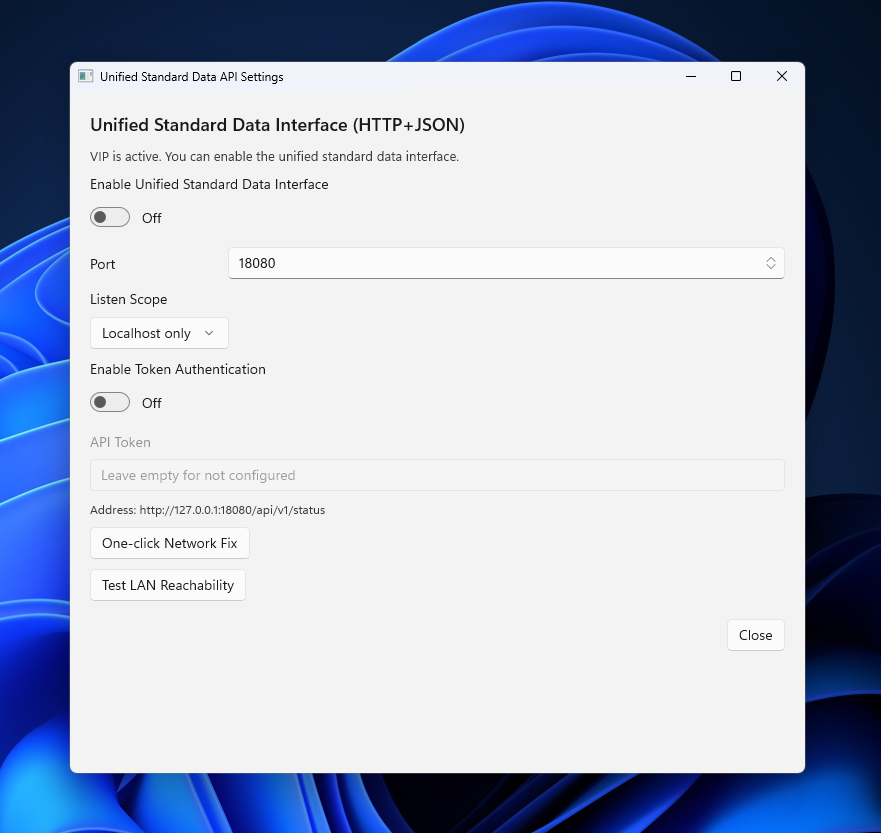
EasyBluetooth can surface visible device batteries in fullscreen games, AIDA64 SensorPanel skins, and the Xbox Game Bar overlay. AIDA64 and Game Bar require the Unified Standard Data API to be enabled first. Free users see the first visible device; VIP exports all visible devices.
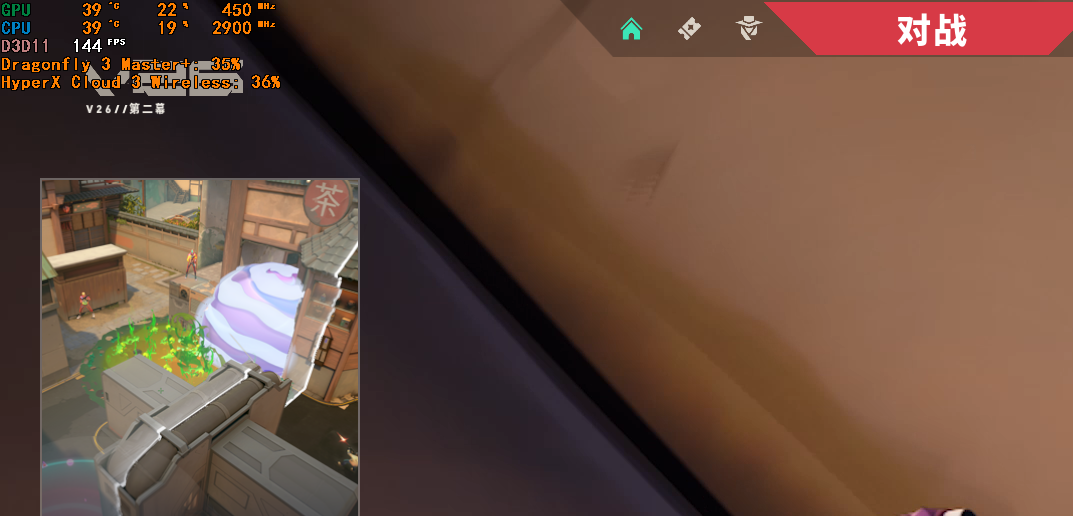
Enable RTSS output in EasyBluetooth settings and keep RTSS running to show battery text inside fullscreen games.
Restricted 2.4G devices still follow the active add-on rules and unknown batteries are shown as "--".
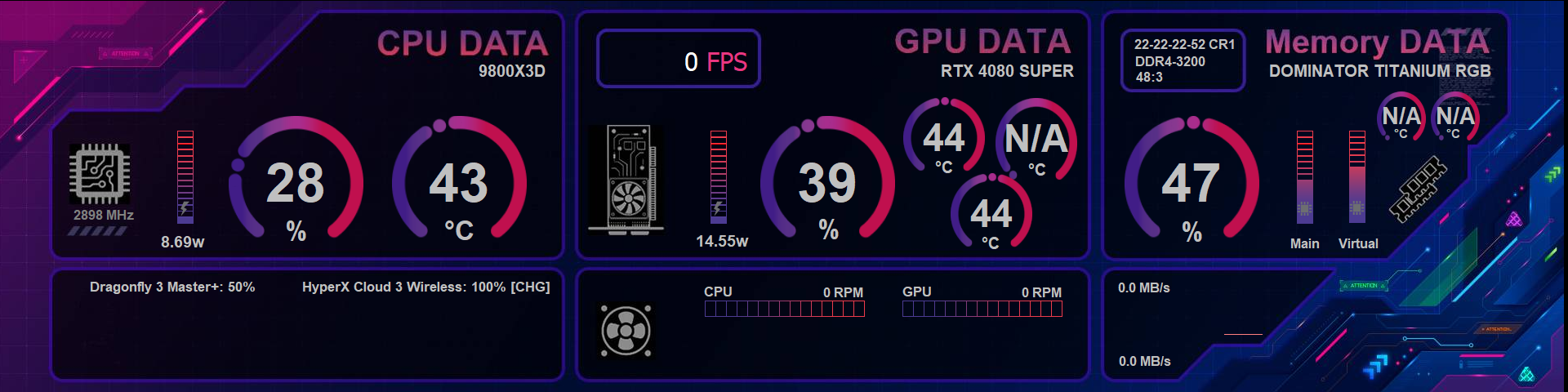
The open-source helper polls the local Unified Standard Data API and writes up to 10 visible devices into AIDA64 ImportValues.
Download Helper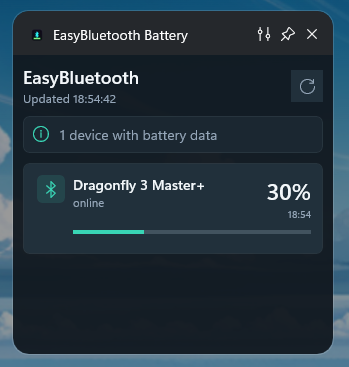
Enable the Unified Standard Data API first, then add the EasyBluetooth Battery widget from Xbox Game Bar while the main app keeps running.
Open Win + G and search for "EasyBluetooth Game Bar" in the widget store.
Download WidgetFrom mainstream consoles to enthusiast peripherals, all in one dashboard.
Device Adaptation Community
EasyBluetooth-community accepts adaptation requests, packet captures, and testing feedback from users worldwide.
Data submission rule: submit at least 3 files (two discharging files at different battery levels + one charging file), and rename files as BrandModel+VID+PID+BatteryLevel+Charging/Discharging.
Reward note: only vendor-specific 2.4G protocol adaptations that are successfully integrated and validated can qualify for a 2.4G Protocol Unlock reward package (final approval follows maintainer review). Direct Bluetooth capture submissions and VID/PID-only additions can still help compatibility records, but they do not qualify for the reward package.
See categorized support details for ecosystem devices, vendor-specific 2.4G receivers, and standard BLE peripherals.
Browse Support MatrixPricing Transparency
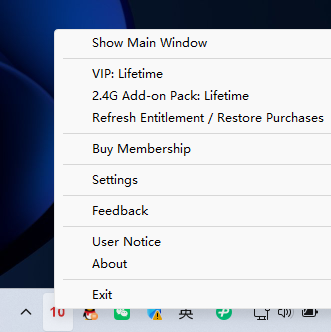
Free trial available. One-time purchase options for VIP and the 2.4G Protocol Unlock package.
See Download & PricingCommunity Chat
Discuss device compatibility, adaptation progress, and troubleshooting with the EasyBluetooth community.
Join Discord